
Click on an image below to view it in a larger pop-up window.
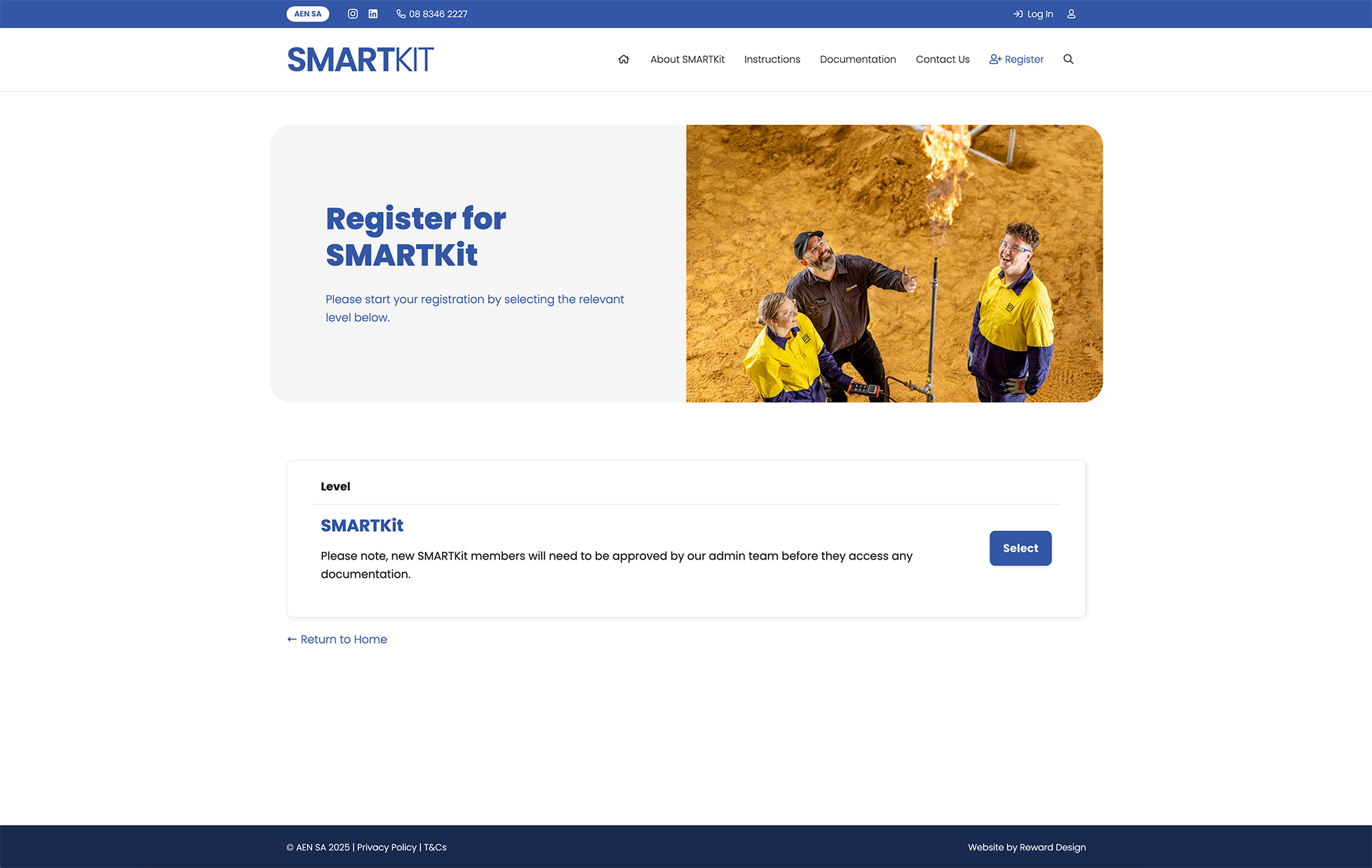
Register for SMARTKit by visiting our Registration page. From here, please select the SMARTKit level to access the registration form.
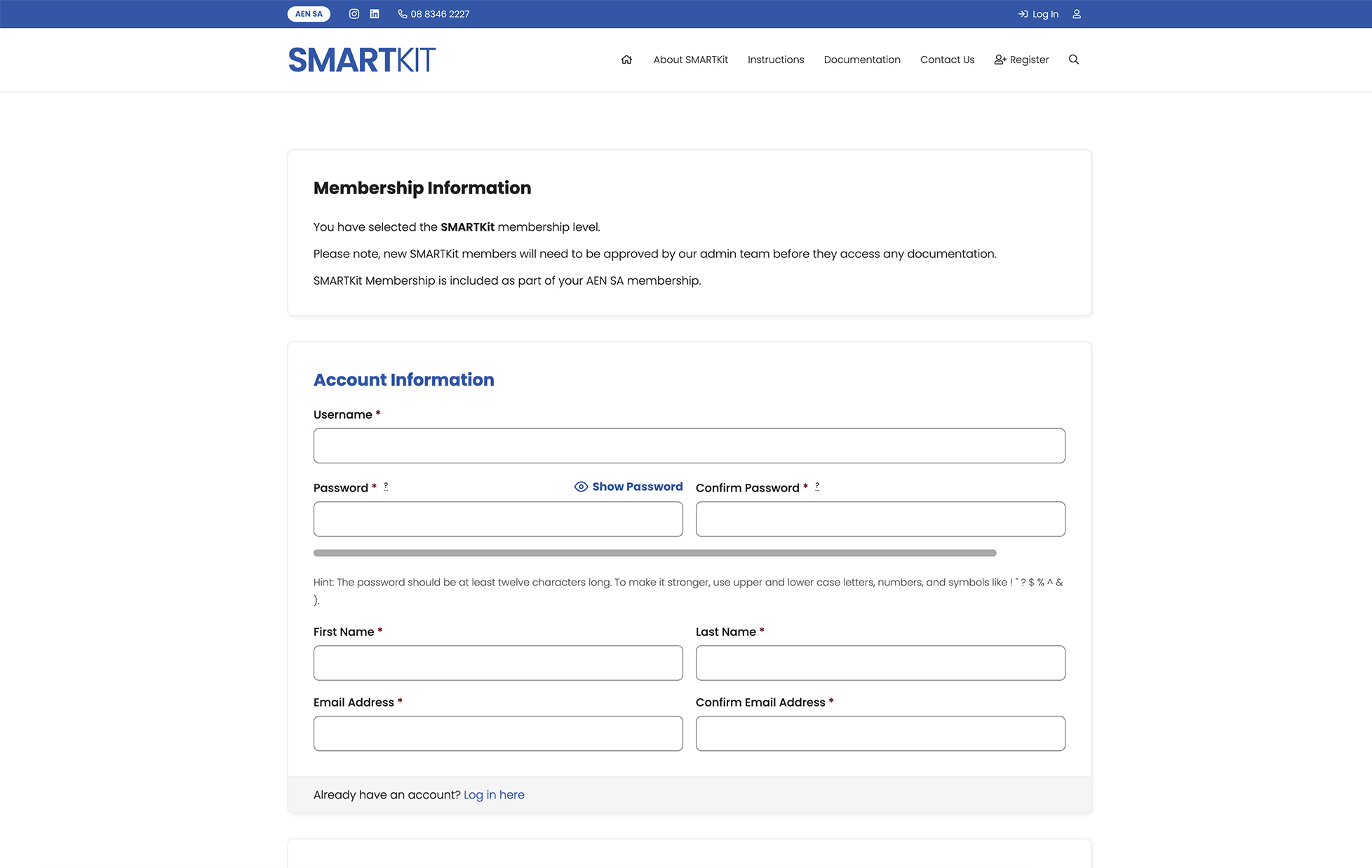
Please complete the registration form to create an account on the SMARTKit system. Note: this is how you will login to download resources, so please use an email address that you have access to.
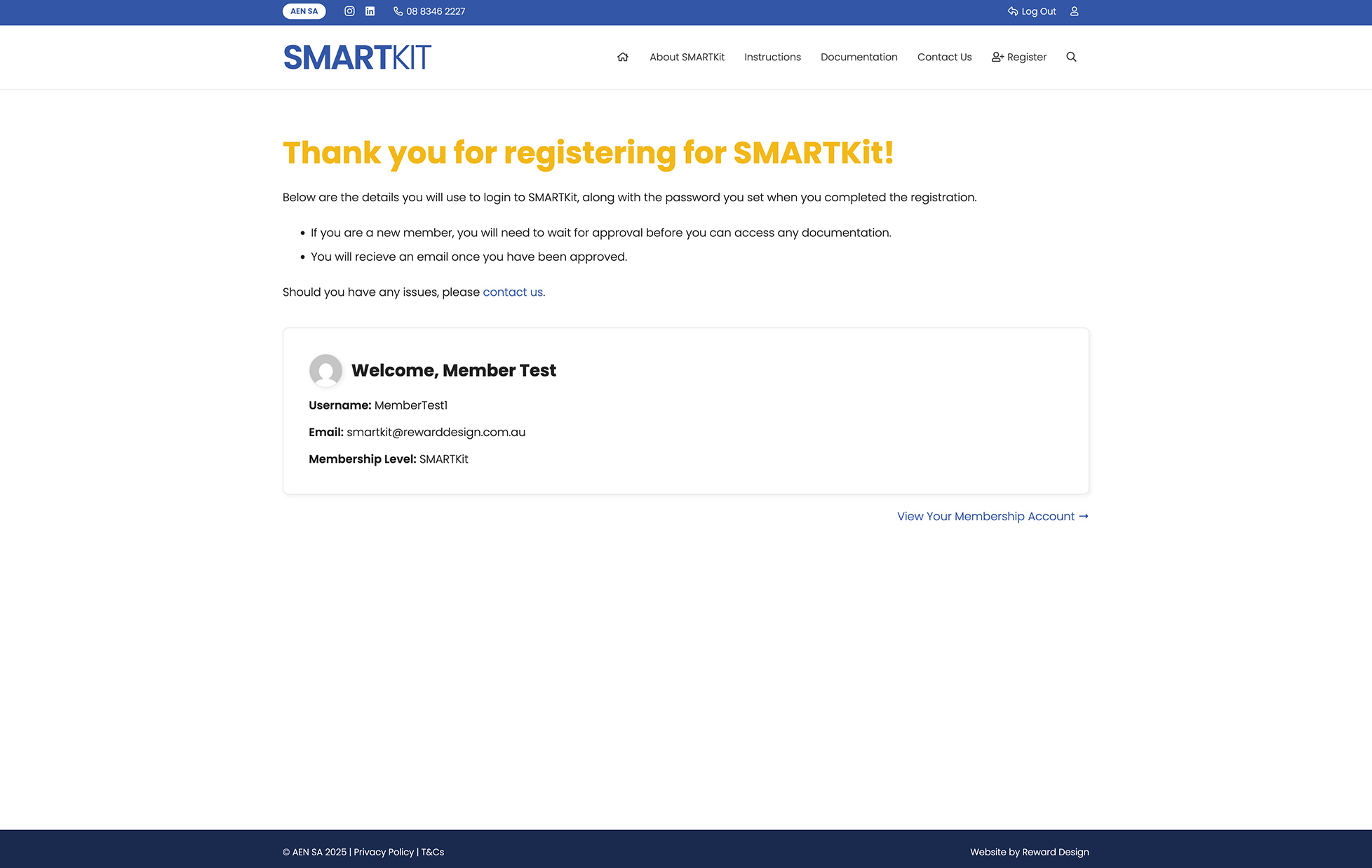
Once you have completed the registration, your account will be sent to AEN SA for approval before you can access the SMARTKit documentation.
You will receive one confirmation email once your account has been successfully created, and another confirmation email once your account has been approved.
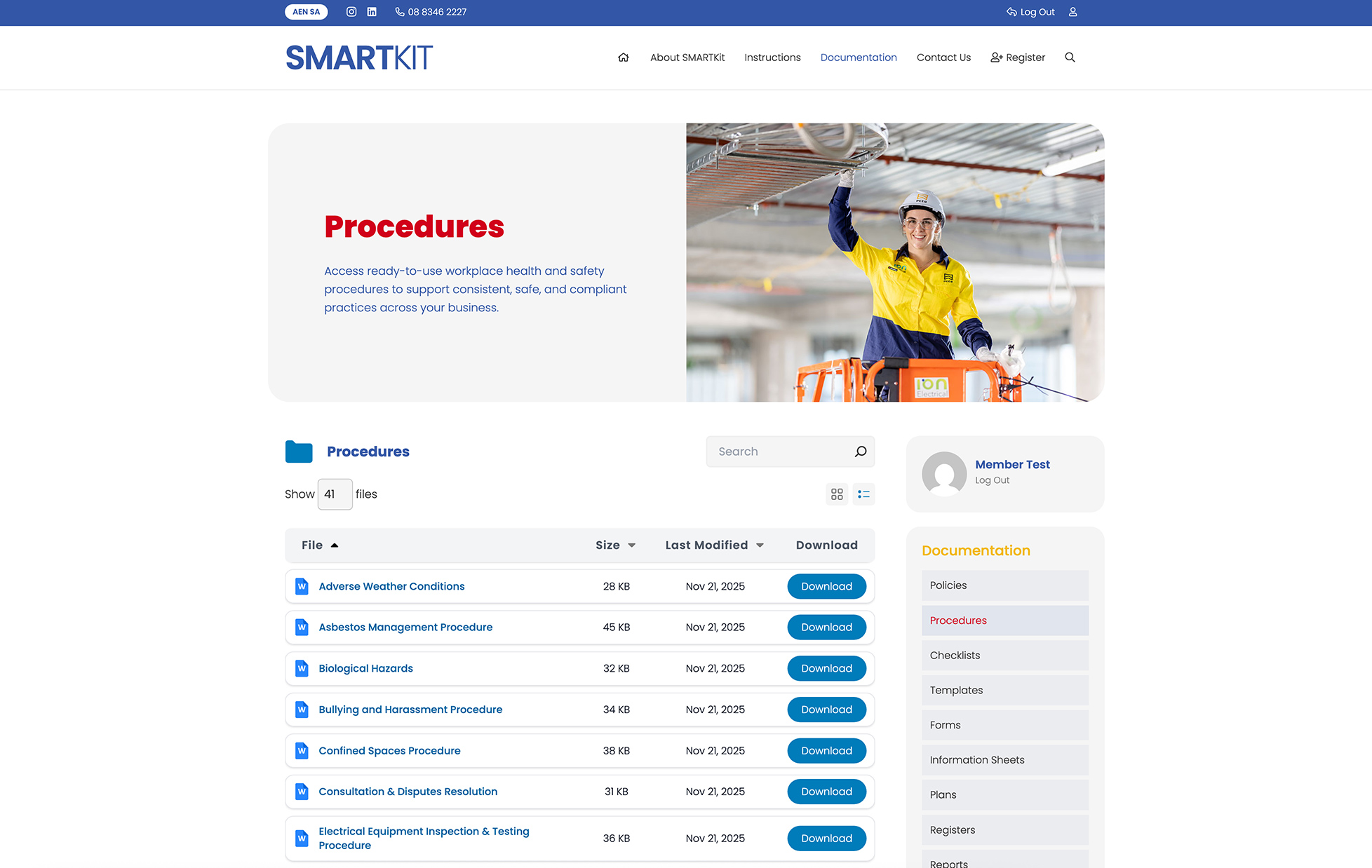
Once your account has been approved, you will be able to access the documents on the SMARTKit system. You can also edit your account details at any time on your Account page.
Accessing Documentation
Click on an image below to view it in a larger pop-up window.
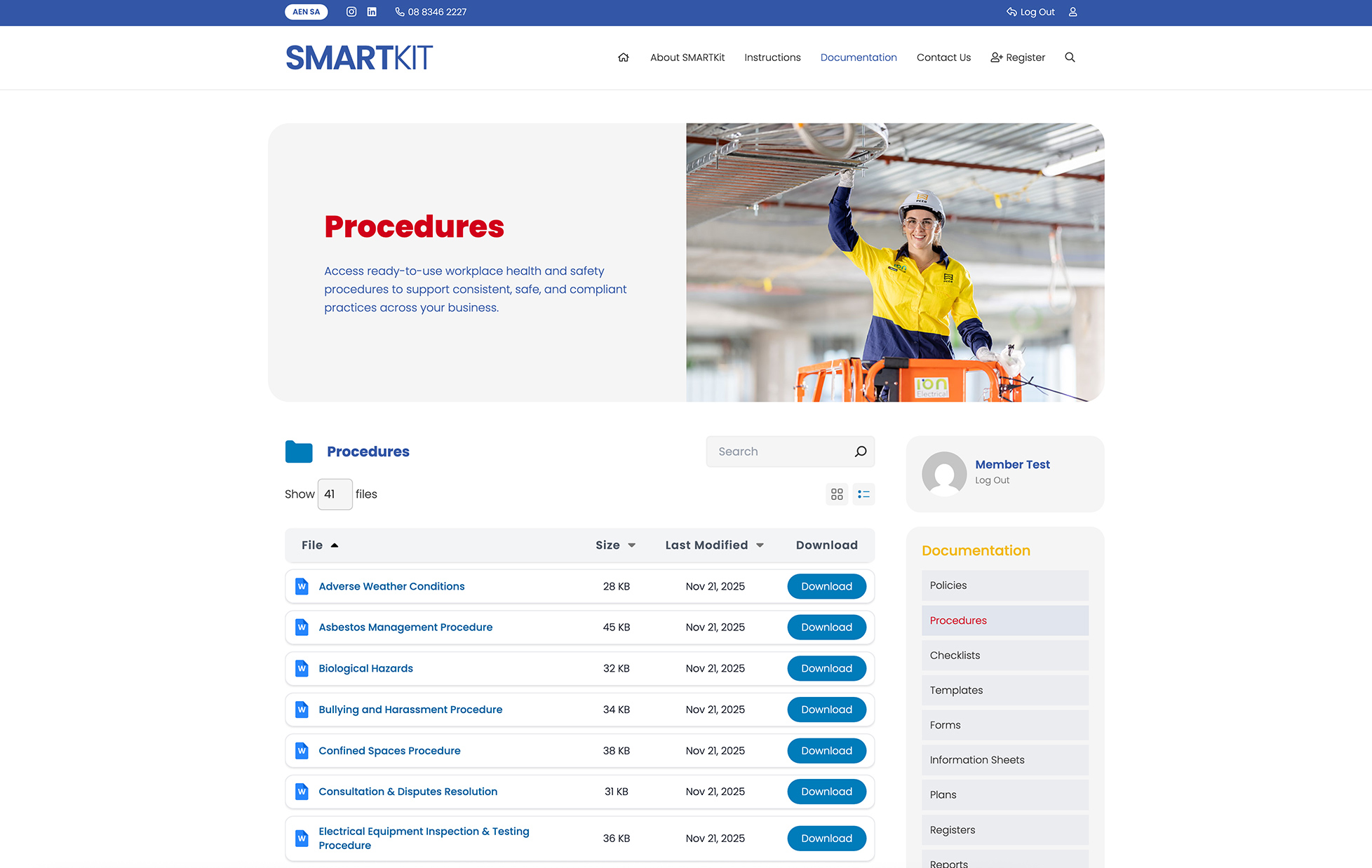
To download documents from the SMARTKit system, simply visit the relevant page (e.g. Procedures) and select the ‘Download’ button next to the document you require.
This will save the document to your downloads folder on your device for you edit or save as required.